
%22%3E%0A%20%20%20%20%3Cellipse%20cx%3D%22125%22%20cy%3D%22143%22%20rx%3D%22156%22%20ry%3D%2214%22%20fill%3D%22%23252b42%22%20opacity%3D%22.4%22%2F%3E%0A%20%20%20%20%3Cpath%20d%3D%22M-5%2083H23L53%2020Q60%207%2077%207H168Q184%207%20194%2020L231%2077H251Q271%2077%20277%20105V134H-13V104Q-13%2089-5%2083Z%22%20fill%3D%22%23477fa8%22%2F%3E%0A%20%20%20%20%3Cpath%20d%3D%22M73%2024H113V74H48ZM127%2024H165Q174%2024%20182%2036L207%2074H127Z%22%20fill%3D%22%23c0e8ed%22%2F%3E%0A%20%20%20%20%3Cpath%20d%3D%22M112%208L110%20135%22%20stroke%3D%22%23376184%22%20stroke-width%3D%227%22%2F%3E%3Crect%20x%3D%22124%22%20y%3D%2287%22%20width%3D%2224%22%20height%3D%226%22%20rx%3D%223%22%20fill%3D%22%23d3e5e9%22%2F%3E%0A%20%20%20%20%3Ccircle%20cx%3D%2248%22%20cy%3D%22128%22%20r%3D%2233%22%20fill%3D%22%23242c40%22%2F%3E%3Ccircle%20cx%3D%2248%22%20cy%3D%22128%22%20r%3D%2214%22%20fill%3D%22%23d6d5e4%22%2F%3E%3Ccircle%20cx%3D%22220%22%20cy%3D%22128%22%20r%3D%2233%22%20fill%3D%22%23242c40%22%2F%3E%3Ccircle%20cx%3D%22220%22%20cy%3D%22128%22%20r%3D%2214%22%20fill%3D%22%23d6d5e4%22%2F%3E%0A%20%20%20%20%3Crect%20x%3D%22256%22%20y%3D%2290%22%20width%3D%2222%22%20height%3D%2216%22%20rx%3D%224%22%20fill%3D%22%23ffe3a3%22%2F%3E%3Crect%20x%3D%22-11%22%20y%3D%2296%22%20width%3D%2214%22%20height%3D%2215%22%20rx%3D%224%22%20fill%3D%22%23e87974%22%2F%3E%0A%20%20%3C%2Fg%3E%0A%20%20%3Cpath%20d%3D%22M668%20317C715%20281%20735%20276%20784%20284%22%20fill%3D%22none%22%20stroke%3D%22%23777497%22%20stroke-width%3D%226%22%20stroke-dasharray%3D%229%2012%22%2F%3E%0A%20%20%3Cg%20transform%3D%22translate(72%2069)%22%3E%3Crect%20width%3D%22205%22%20height%3D%2252%22%20rx%3D%2226%22%20fill%3D%22%2339374f%22%2F%3E%3Ctext%20x%3D%22103%22%20y%3D%2234%22%20fill%3D%22%23f8efff%22%20font-family%3D%22sans-serif%22%20font-size%3D%2218%22%20font-weight%3D%22700%22%20text-anchor%3D%22middle%22%20letter-spacing%3D%223%22%3ESITE%20ORIGINAL%3C%2Ftext%3E%3C%2Fg%3E%0A%20%20%3Ctext%20x%3D%2272%22%20y%3D%22242%22%20fill%3D%22%2336344f%22%20font-family%3D%22sans-serif%22%20font-size%3D%2288%22%20font-weight%3D%22800%22%3ESIGNAL%3C%2Ftext%3E%3Ctext%20x%3D%2272%22%20y%3D%22334%22%20fill%3D%22%2336344f%22%20font-family%3D%22sans-serif%22%20font-size%3D%2288%22%20font-weight%3D%22800%22%3ESPRINT%3C%2Ftext%3E%0A%20%20%3Ctext%20x%3D%2275%22%20y%3D%22404%22%20fill%3D%22%23575574%22%20font-family%3D%22sans-serif%22%20font-size%3D%2224%22%20letter-spacing%3D%222%22%3EREAD%20THE%20LIGHT.%3C%2Ftext%3E%3Ctext%20x%3D%2275%22%20y%3D%22444%22%20fill%3D%22%23575574%22%20font-family%3D%22sans-serif%22%20font-size%3D%2224%22%20letter-spacing%3D%222%22%3ETIME%20THE%20STOP.%3C%2Ftext%3E%0A%3C%2Fsvg%3E%0A)
Speed is only half the decision
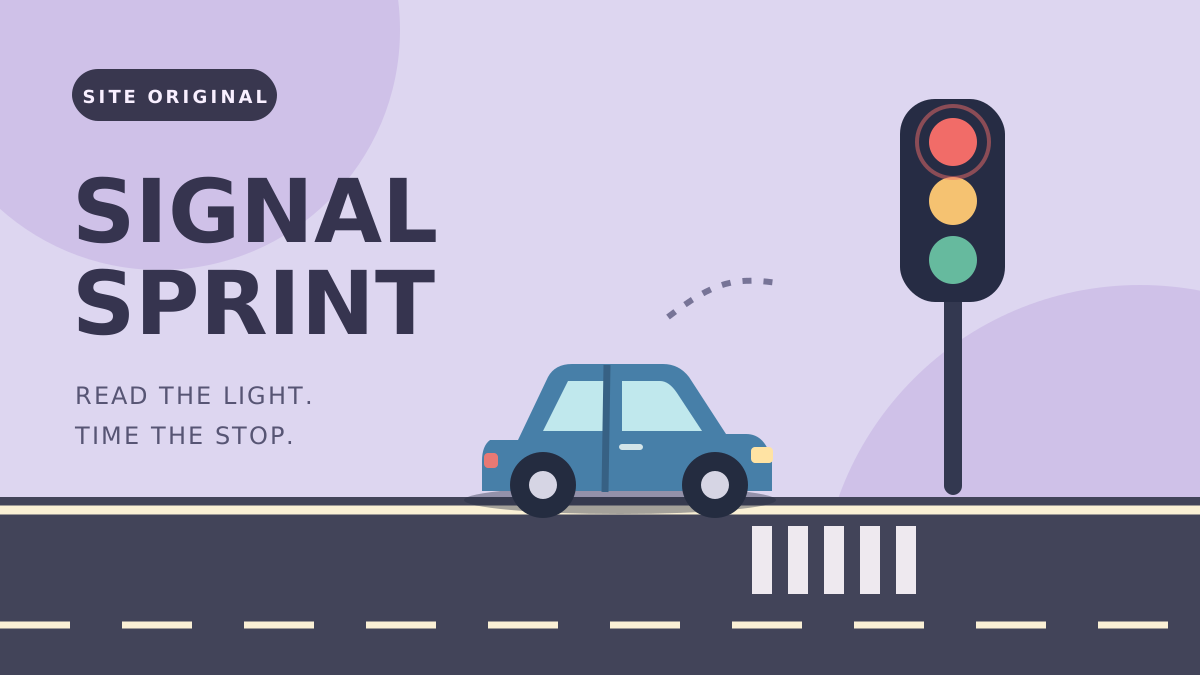
Signal Sprint is an original timing challenge about acceleration and braking. Work through a sequence of traffic-light checkpoints, using the current signal and your approach speed to decide when to move. Successfully handled checkpoints build your result.
Crossing the stop line on green or amber passes a checkpoint; crossing on red ends the run. The countdown shows when the light will change, and a dotted marker shows your estimated stopping position if you release now. These are the game’s simplified arcade rules, not real-world traffic instructions.
Brake before the checkpoint
Releasing the accelerator does not instantly remove all your speed. Begin slowing while you still have space before the stopping area. Watch how far the vehicle travels after release, then use that distance to plan the next approach.
A short green interval does not require a full-speed approach. Use shorter holds near a checkpoint and wait for a clear opportunity if you have already stopped. When a run ends, read the failure message before restarting; it tells you which timing decision to change.
Practice one clean approach
Select Play Now, start the game, and hold Space to accelerate. On a touchscreen, hold the Hold Gas button; releasing either input brakes the vehicle. Try one careful approach before chasing a long sequence of checkpoints.
Pause if you need to step away, then resume or restart from the game’s controls. Best results can be saved in this browser without an account. They are not shared across devices or entered into an online competition.
Controls and quick steps
- 01Read the signal
Select Play Now, then Start. Watch the traffic light and the approaching stop line.
- 02Control your speed
Hold Space to accelerate and release it to slow down. On touchscreens, hold and release the Hold Gas button.
- 03Time the crossing
Cross on green or amber and leave room to stop before red. Use Pause to take a break or Retry to start a new run.
Game by DriveMad.lol Originals ↗. This is an independent game and guide site. Cover artwork is an original illustration.