
%22%2F%3E%0A%20%20%3Ccircle%20cx%3D%22984%22%20cy%3D%22145%22%20r%3D%2289%22%20fill%3D%22%23dac9bd%22%20opacity%3D%22.5%22%2F%3E%0A%20%20%3Cpath%20d%3D%22M0%20435%20190%20285%20350%20396%20585%20235%20790%20395%201030%20240%201200%20362V675H0Z%22%20fill%3D%22%23262d43%22%2F%3E%0A%20%20%3Cpath%20d%3D%22m558%20675%2080-200%20170-105-66-75%2098-58%20172%20157-200%20126-72%20155Z%22%20fill%3D%22%23272a3b%22%2F%3E%0A%20%20%3Cpath%20d%3D%22m526%20675%2080-224%20171-106-65-73%20105-61%20171%20157-203%20127-74%20180Z%22%20fill%3D%22url(%23road)%22%20stroke%3D%22%23d8c7c2%22%20stroke-width%3D%228%22%20stroke-linejoin%3D%22round%22%2F%3E%0A%20%20%3Cpath%20d%3D%22m626%20675%2055-188%20171-105-77-88%2036-25%22%20fill%3D%22none%22%20stroke%3D%22%23fff0b6%22%20stroke-width%3D%226%22%20stroke-dasharray%3D%2221%2018%22%2F%3E%0A%20%20%3Cg%20transform%3D%22translate(847%20377)%20rotate(-30)%22%3E%3Cellipse%20cy%3D%2256%22%20rx%3D%2273%22%20ry%3D%2221%22%20fill%3D%22%23141d2c%22%20opacity%3D%22.5%22%2F%3E%3Crect%20x%3D%22-53%22%20y%3D%22-20%22%20width%3D%22106%22%20height%3D%22132%22%20rx%3D%2222%22%20fill%3D%22%233c345f%22%2F%3E%3Crect%20x%3D%22-50%22%20y%3D%22-32%22%20width%3D%22100%22%20height%3D%22132%22%20rx%3D%2219%22%20fill%3D%22%23bea0f3%22%2F%3E%3Cpath%20d%3D%22m-34%207%2068%200-5%2040h-58Z%22%20fill%3D%22%23253b50%22%2F%3E%3Crect%20x%3D%22-31%22%20y%3D%2256%22%20width%3D%2262%22%20height%3D%2225%22%20rx%3D%228%22%20fill%3D%22%23856aba%22%2F%3E%3Cpath%20d%3D%22M-48-13h17m45%200h19%22%20stroke%3D%22%23fff0b8%22%20stroke-width%3D%229%22%2F%3E%3Cpath%20d%3D%22M-60%203v26M60%203v26M-60%2065v22M60%2065v22%22%20fill%3D%22none%22%20stroke%3D%22%2317232a%22%20stroke-width%3D%2213%22%2F%3E%3C%2Fg%3E%0A%20%20%3Cpath%20d%3D%22m801%20566-18%2045m54-42-14%2045%22%20stroke%3D%22%23f1d48b%22%20stroke-width%3D%225%22%20opacity%3D%22.65%22%2F%3E%0A%20%20%3Cg%20fill%3D%22%23c4b8e1%22%20opacity%3D%22.23%22%3E%3Ccircle%20cx%3D%22460%22%20cy%3D%22110%22%20r%3D%223%22%2F%3E%3Ccircle%20cx%3D%22612%22%20cy%3D%22145%22%20r%3D%223%22%2F%3E%3Ccircle%20cx%3D%22723%22%20cy%3D%2276%22%20r%3D%224%22%2F%3E%3C%2Fg%3E%0A%3C%2Fsvg%3E%0A)
A driving game about timing
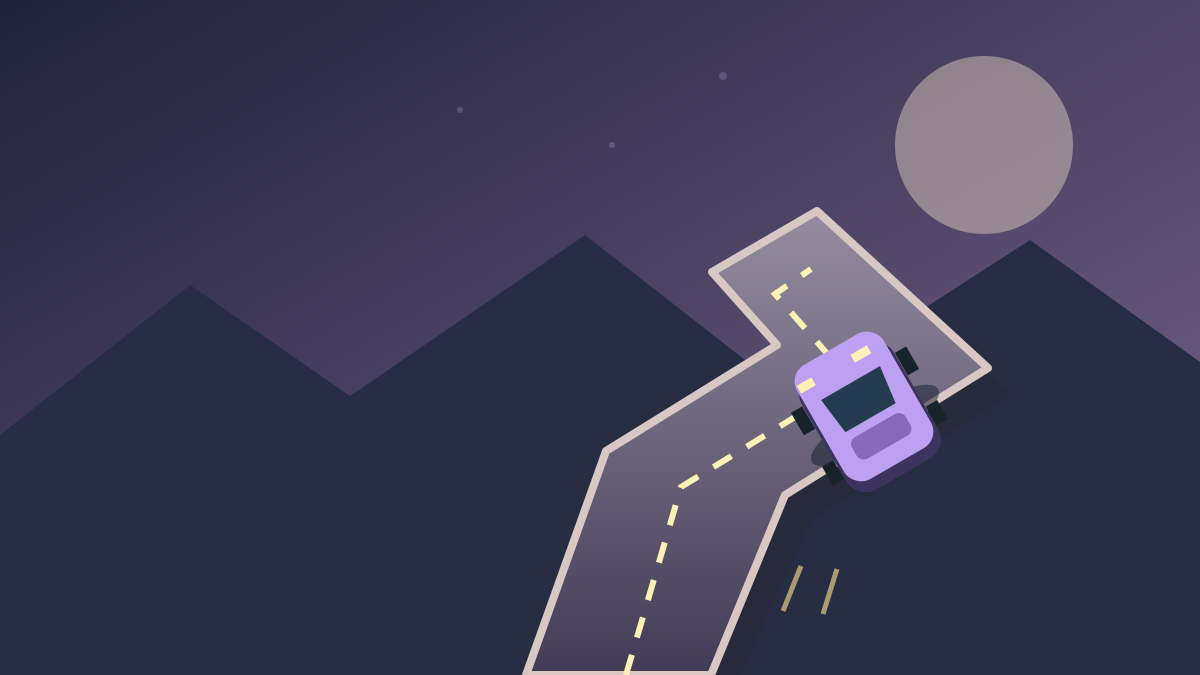
Drift Boss asks you to keep a car on a twisting track by timing your inputs. The useful question at each bend is when to press and when to let go. If you slide off, the next attempt gives you a chance to adjust that timing.
Begin by learning what one short hold does. Watch the change in direction, release, and compare the result with a longer hold. You can use that small experiment to find a rhythm before trying to push your score.
Press, hold, release
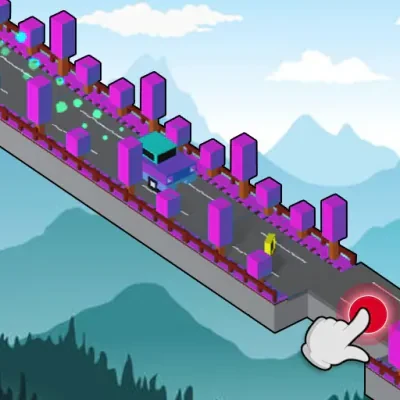
Select Play on provider to open the GameDistribution game page in a new tab, then follow its opening prompts. Hold Space or the mouse button to drift and release to change direction. On a touchscreen, use a hold-and-release gesture inside the player. The instructions shown by the current game take priority if its controls change.
Choose one input method for your first few attempts. Mixing keyboard and mouse makes it harder to notice whether a missed corner came from the start of the hold or the moment you released. If Space scrolls the webpage, click inside the game again so it receives keyboard focus.
Look toward the next bend
Try moving your attention a little ahead of the car. Notice the direction of the approaching road before the car reaches it. That gives you time to decide how long the next input should last instead of making a rushed correction at the edge.
After a fall, describe the mistake in one sentence: the hold began too late, continued too long, or ended too soon. Change that one part on your next attempt. This is a practice routine, not a guarantee that a particular timing works for every corner.
Choose a different kind of driving challenge
If you enjoy timing but want to manage a vehicle's balance as well, try Drive Mad. Eggy Car shifts your attention to a fragile passenger on a hilly road, while Monster Tracks asks you to read rough terrain with a large truck. Each link opens a separate game page with its own controls and play option.
The cover on this page is an original illustration. The Play on provider link opens GameDistribution in a new tab. The game is currently played on the provider website rather than embedded here. Availability depends on the platform, browser, and network.
Play the original Drive Mad · Eggy Car balance challenge · Monster Tracks terrain challenge · Drift Boss at MarketJS
Controls and quick steps
- 01Open the game
Select Play on provider to open GameDistribution in a new tab, then follow its game instructions.
- 02Learn the turn
Hold Space or the mouse button to drift, then release. On touchscreens, hold and lift your finger inside the game.
- 03Read the next corner
Watch the approaching bend and adjust the length of your next hold to stay on the road.
Game by MarketJS / GameDistribution ↗. This is an independent game and guide site. Cover artwork is an original illustration.