
%22%2F%3E%3Ccircle%20cx%3D%22996%22%20cy%3D%22160%22%20r%3D%2285%22%20fill%3D%22%23e2e5b4%22%20opacity%3D%22.38%22%2F%3E%0A%20%20%3Cpath%20d%3D%22m0%20426%20177-154%20157%20141%20267-198%20215%20155%20187-126%20197%20133v298H0Z%22%20fill%3D%22%23294938%22%2F%3E%0A%20%20%3Cpath%20d%3D%22m0%20467%20219-105%20195%20171%20218-124%20213%20134%20209-220%20146%20167v185H0Z%22%20fill%3D%22%23396347%22%2F%3E%0A%20%20%3Cpath%20d%3D%22M0%20583h1200v92H0Z%22%20fill%3D%22url(%23water)%22%2F%3E%3Cpath%20d%3D%22M667%20618h104m241%2018h130m-683-20h63%22%20stroke%3D%22%2379948b%22%20stroke-width%3D%225%22%20opacity%3D%22.6%22%2F%3E%0A%20%20%3Cpath%20d%3D%22M0%20514h402l116%2058h91l78-69h182l134-81h197v253h-168l-39-176-129%2078H687l-84%2051H488l-99-49H0Z%22%20fill%3D%22%23263b2d%22%2F%3E%0A%20%20%3Cpath%20d%3D%22M0%20514h402l116%2058h91l78-69h182l134-81h197%22%20fill%3D%22none%22%20stroke%3D%22%23bbbc7e%22%20stroke-width%3D%2216%22%20stroke-linejoin%3D%22round%22%2F%3E%0A%20%20%3Cpath%20d%3D%22M716%20503q38%2035%20106%200%22%20fill%3D%22none%22%20stroke%3D%22%23d3b586%22%20stroke-width%3D%2216%22%20stroke-dasharray%3D%2218%204%22%2F%3E%0A%20%20%3Cg%20transform%3D%22translate(961%20348)%20rotate(-12)%22%3E%3Cellipse%20cx%3D%221%22%20cy%3D%2299%22%20rx%3D%22112%22%20ry%3D%2218%22%20fill%3D%22%23192d26%22%20opacity%3D%22.6%22%2F%3E%3Cpath%20d%3D%22M-107%2010h49l28-43h53l36%2043h36v51H-107Z%22%20fill%3D%22%23accc75%22%20stroke%3D%22%235c803c%22%20stroke-width%3D%227%22%20stroke-linejoin%3D%22round%22%2F%3E%3Cpath%20d%3D%22m-41%208%2021-27h38L41%208Z%22%20fill%3D%22%23294841%22%2F%3E%3Cpath%20d%3D%22M-59%2048%2056%2079m-112%200L55%2048%22%20stroke%3D%22%23c9c799%22%20stroke-width%3D%227%22%2F%3E%3Ccircle%20cx%3D%22-66%22%20cy%3D%2276%22%20r%3D%2242%22%20fill%3D%22%23182821%22%20stroke%3D%22%233f5142%22%20stroke-width%3D%2210%22%2F%3E%3Ccircle%20cx%3D%2261%22%20cy%3D%2276%22%20r%3D%2242%22%20fill%3D%22%23182821%22%20stroke%3D%22%233f5142%22%20stroke-width%3D%2210%22%2F%3E%3Ccircle%20cx%3D%22-66%22%20cy%3D%2276%22%20r%3D%2218%22%20fill%3D%22%23bdc198%22%2F%3E%3Ccircle%20cx%3D%2261%22%20cy%3D%2276%22%20r%3D%2218%22%20fill%3D%22%23bdc198%22%2F%3E%3Cpath%20d%3D%22M77%2018h22%22%20stroke%3D%22%23fff1a9%22%20stroke-width%3D%229%22%2F%3E%3C%2Fg%3E%0A%20%20%3Cpath%20d%3D%22m646%20493%2026-27%2011%2029m419-83%2018-22%2023%2015%22%20fill%3D%22%23718269%22%2F%3E%0A%3C%2Fsvg%3E%0A)




Read the ground ahead
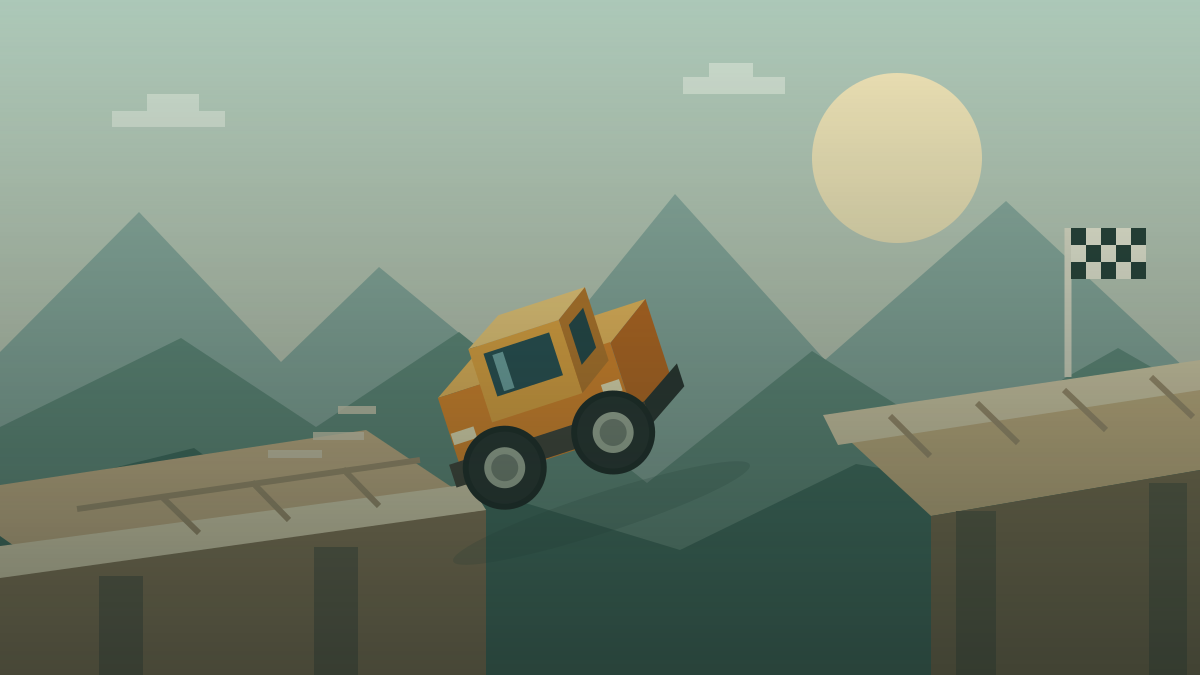
Monster Tracks is a distance-driving challenge with coins and obstacles along the route. Keeping your truck upright matters, but so does choosing enough speed for the obstacle ahead. A cautious approach to a small bump can call for a different input from a run-up to a gap.
Before accelerating, look at the next change in height and the space beyond it. Decide whether you need momentum or a controlled crossing. If an attempt fails, identify the point where the truck lost balance and adjust your approach there.
Keyboard and touch controls
Select Play Now and click inside the Fancade player. X activates the right-side control, while Z activates the left-side control for braking or reversing. On a touchscreen, use the sides of the game. P pauses or resumes the Fancade web player.
Begin with a short forward input and notice how the truck tilts. If a website button such as Fullscreen takes focus away from the game, click inside again before using the keyboard. Pressing repeatedly outside the game will not help the truck move.
A bridge and a ramp need different plans
The official guide describes bridges, rocks, logs, ramps, and moving obstacles. A bridge can move under the truck, so entering quickly may leave less time to respond. A jump needs enough momentum to cross the gap. Look at the actual obstacle rather than applying one speed to every situation.
A useful practice routine is to compare two nearby approach speeds. Keep the rest of your input similar and watch where the wheels land. If you miss the same landing repeatedly, make a small adjustment before the jump instead of relying on a late correction in the air.
Avoid forcing a stuck truck
The Fancade guide warns that forcing an immobilized truck with acceleration or reverse can end a run. If you stop against an obstacle, pause your input and inspect the position. Holding a control longer is not always a way out.
For a fresh attempt, use the in-game retry option where available. The website's Restart button reloads the entire player. To try another style of driving, return to Drive Mad for tracks with a finish, carry the egg in Eggy Car, or practice turn timing in Drift Boss.
Official Monster Tracks guide · Play the original Drive Mad · Play Eggy Car · Play Drift Boss
Controls and quick steps
- 01Open the track
Select Play Now and click or tap inside the Fancade player.
- 02Use small inputs
Use X for the right control and Z for the left control, or tap the sides of the game on a touchscreen.
- 03Match the obstacle
Choose your approach speed for the terrain ahead. Keep the truck upright and collect coins as you travel.
Game by Martin Magni / Fancade ↗. Controls reference: Fancade Web. This is an independent game and guide site. Cover artwork is an original illustration.