




Rotate the stack, then connect colors
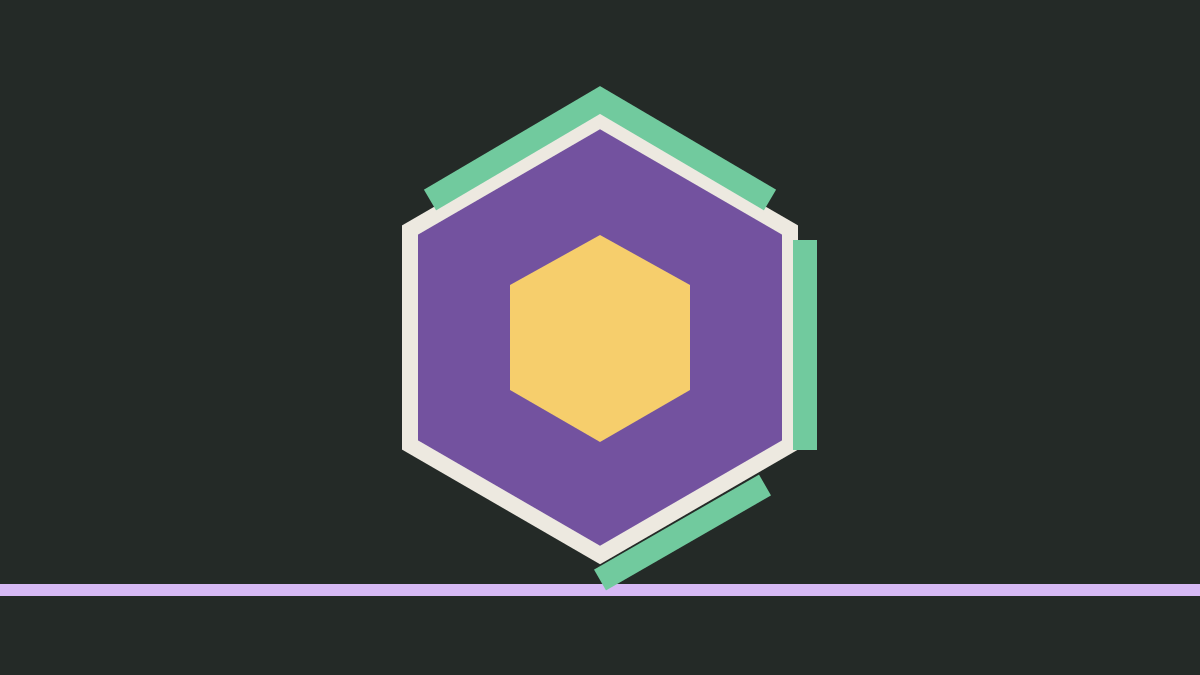
Hextris is a color-matching puzzle from the Hextris team. Incoming blocks settle against the central hexagon or the blocks already stacked around it. Rotate the center to change where an incoming block lands. When three or more blocks of the same color touch, they clear and add points.
The goal is to keep the blocks inside the outer gray hexagon. Every rotation moves the existing stacks as well as the center, so a useful match on one side can change the landing position on another. Look at the incoming colors and the taller stacks together before turning.
Clear space before chasing a combo
Select Play Now and start the game. Use the left and right arrow keys, or A and D, to rotate. The down arrow or S speeds up falling blocks. On a touchscreen, tap the left or right side of the game to turn. Use P, Space, or the pause control to pause and resume.
Try building matching groups where a stack is already growing tall. Clearing that group can make room for another incoming block. Successive clears can build a combo; the colored lines on the outer hexagon show the time remaining. A short combo opportunity does not require speeding up a block when its landing would leave you little room.
Try a slower tile puzzle in 2048 · Practice route planning in Snake · Browse the game collection
Hextris credits and source
The Hextris team created this game, with credits to Logan Engstrom, Garrett Finucane, Noah Moroze, and Michael Yang. The upstream README retains the notice “Copyright (C) 2018 Logan Engstrom” and permits GPL version 3 or any later version. This website serves a locally adapted version under GPL-3.0-or-later. Its license and the corresponding source for this hosted version are linked below, along with the upstream repository.
Hextris upstream source · Download this version's source · Read the Hextris GPL license · Read the upstream copyright and license notice
Controls and quick steps
- 01Start the puzzle
Select Play Now, then follow the start prompt inside Hextris.
- 02Rotate toward a match
Press Left or Right Arrow, or tap the corresponding half of the game, to turn the hexagon.
- 03Watch the outer boundary
Connect at least three blocks of the same color. Clear stacks before they grow beyond the boundary.
Open-source game, hosted here with local integration changes. License: GPL-3.0-or-later. Download the hosted game source. The original author retains the game credit.
Game by Hextris team / Hextris ↗. This is an independent game and guide site. Cover artwork is an original illustration.