

Round-based survival in your browser
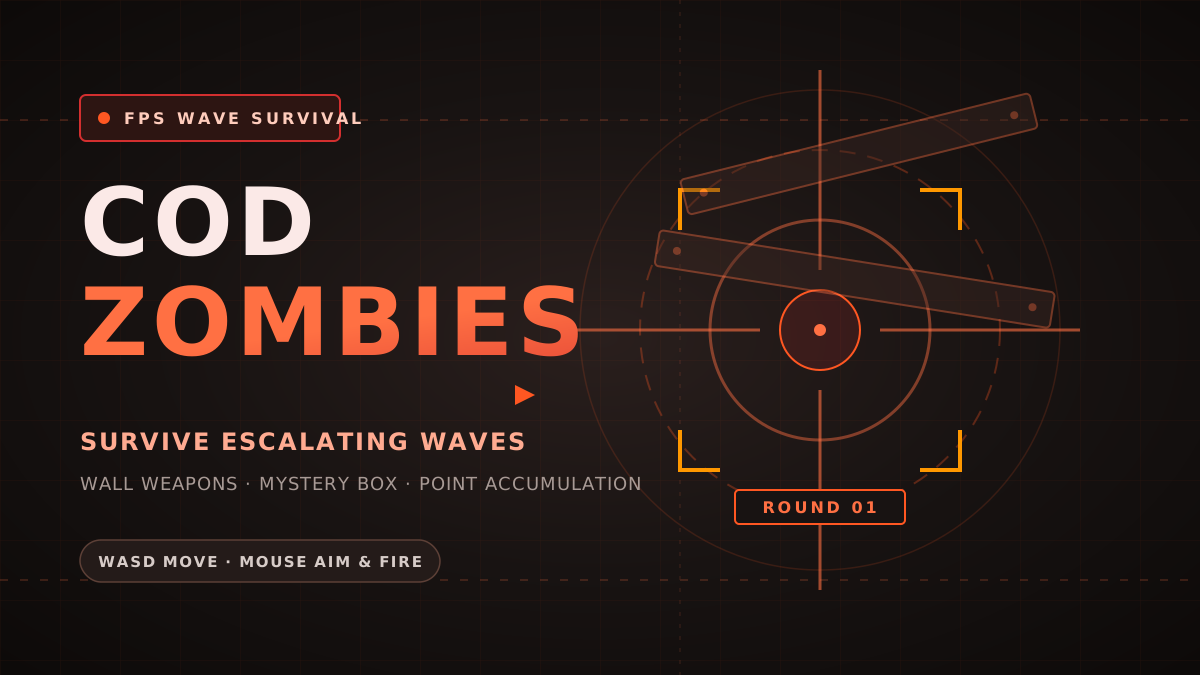
COD Zombies brings classic wave-defense first-person shooter action straight into the browser. Your objective is simple: survive as many rounds as possible against increasingly relentless zombie hordes.
Each eliminated zombie awards points that you can spend on wall-mounted weapons, ammo refills, and unlocking doors to expand the playable area. Balancing point conservation with timely weapon upgrades is key to surviving higher rounds.
How to play and control your character
First-person controls require a desktop keyboard and mouse. Click inside the game window after selecting Play Now so your browser captures and locks the mouse pointer for smooth aiming.
Use W, A, S, and D to navigate, Shift to sprint away when cornered, Space to jump, and Left Click to fire. Press R to reload between waves and F to purchase wall weapons, grab Mystery Box rolls, or open barricaded pathways.
Initial loading: what the nzp/game.pk3 bar means
When you select Play Now for the first time, you will see a blue progress bar beneath "nzp/game.pk3". This is the game engine actively downloading the ~94MB Quake-engine 3D package (containing the 3D models, sound effects, textures, and Nacht der Untoten map).
Depending on your internet connection speed, this download typically takes 30 to 60 seconds. Once the bar reaches 100%, the engine automatically boots into the game menu. Your browser will cache the package so future loads are much faster.
Embedded player and technical details
This game runs via an embedded WebGL player hosted directly by the Nazi Zombies: Portable (NZ:P) project. DriveMad.lol does not claim ownership or authorship of the original game assets. The game is free to play in modern web browsers supporting WebGL and Pointer Lock.
Select Restart to reload the player if needed. Because the game relies on 3D hardware acceleration and pointer capture, a desktop browser with hardware acceleration enabled will provide the smoothest frame rates.
Open game on official NZ:P website · Explore all games on DriveMad.lol
Controls and quick steps
- 01Initial asset download
Select Play Now. On first load, the player downloads ~94MB of 3D assets (shown as a blue progress bar under nzp/game.pk3).
- 02Lock mouse aim
Once loaded, click inside the player canvas to lock your mouse cursor for full first-person camera control.
- 03Survive and upgrade
Aim for headshots to conserve ammo, earn points, and purchase wall weapons or open new corridors.
Game by NZ:P Team / Nazi Zombies Portable ↗. This is an independent game and guide site. Cover artwork is an original illustration.