
%20rotate(8%20300%20340)%22%3E%0A%20%20%20%20%3Crect%20x%3D%22-20%22%20y%3D%22-60%22%20width%3D%22720%22%20height%3D%22800%22%20fill%3D%22%23688078%22%2F%3E%3Crect%20x%3D%22-20%22%20y%3D%22-60%22%20width%3D%22720%22%20height%3D%22800%22%20fill%3D%22url(%23lot)%22%2F%3E%0A%20%20%20%20%3Cpath%20d%3D%22M90%20155V38H285V155M332%20155V38H527V155M90%20520V647H285V520M332%20520V647H527V520%22%20stroke%3D%22%23ede9cf%22%20stroke-width%3D%229%22%20fill%3D%22none%22%2F%3E%0A%20%20%20%20%3Crect%20x%3D%22333%22%20y%3D%2237%22%20width%3D%22194%22%20height%3D%22120%22%20rx%3D%224%22%20fill%3D%22%23f4e2a0%22%20opacity%3D%22.18%22%2F%3E%0A%20%20%20%20%3Cpath%20d%3D%22M411%2061H449V102H411ZM411%2079H449%22%20fill%3D%22none%22%20stroke%3D%22%23f5e9bb%22%20stroke-width%3D%228%22%2F%3E%0A%20%20%20%20%3Cpath%20d%3D%22M283%20443Q431%20435%20431%20196V165%22%20fill%3D%22none%22%20stroke%3D%22%23e8d284%22%20stroke-width%3D%2210%22%20stroke-linecap%3D%22round%22%20stroke-dasharray%3D%2214%2017%22%2F%3E%0A%20%20%20%20%3Cpath%20d%3D%22M413%20184L431%20166L449%20184%22%20fill%3D%22none%22%20stroke%3D%22%23e8d284%22%20stroke-width%3D%228%22%20stroke-linecap%3D%22round%22%20stroke-linejoin%3D%22round%22%2F%3E%0A%20%20%20%20%3Cg%20transform%3D%22translate(322%20366)%20rotate(-34)%22%3E%0A%20%20%20%20%20%20%3Crect%20x%3D%22-53%22%20y%3D%22-89%22%20width%3D%22126%22%20height%3D%22204%22%20rx%3D%2229%22%20fill%3D%22%23324b42%22%20opacity%3D%22.3%22%2F%3E%0A%20%20%20%20%20%20%3Crect%20x%3D%22-68%22%20y%3D%22-75%22%20width%3D%2220%22%20height%3D%2247%22%20rx%3D%225%22%20fill%3D%22%23293d38%22%2F%3E%3Crect%20x%3D%2246%22%20y%3D%22-75%22%20width%3D%2220%22%20height%3D%2247%22%20rx%3D%225%22%20fill%3D%22%23293d38%22%2F%3E%3Crect%20x%3D%22-68%22%20y%3D%2238%22%20width%3D%2220%22%20height%3D%2247%22%20rx%3D%225%22%20fill%3D%22%23293d38%22%2F%3E%3Crect%20x%3D%2246%22%20y%3D%2238%22%20width%3D%2220%22%20height%3D%2247%22%20rx%3D%225%22%20fill%3D%22%23293d38%22%2F%3E%0A%20%20%20%20%20%20%3Crect%20x%3D%22-57%22%20y%3D%22-108%22%20width%3D%22114%22%20height%3D%22217%22%20rx%3D%2231%22%20fill%3D%22%23edbd4f%22%2F%3E%3Cpath%20d%3D%22M-41-52H41L34-20H-34ZM-34%2043H34L41%2073H-41Z%22%20fill%3D%22%23365c63%22%2F%3E%0A%20%20%20%20%20%20%3Crect%20x%3D%22-33%22%20y%3D%22-10%22%20width%3D%2266%22%20height%3D%2243%22%20rx%3D%229%22%20fill%3D%22%23ffdc81%22%2F%3E%0A%20%20%20%20%20%20%3Crect%20x%3D%22-43%22%20y%3D%22-95%22%20width%3D%2222%22%20height%3D%229%22%20rx%3D%223%22%20fill%3D%22%23fff4b8%22%2F%3E%3Crect%20x%3D%2221%22%20y%3D%22-95%22%20width%3D%2222%22%20height%3D%229%22%20rx%3D%223%22%20fill%3D%22%23fff4b8%22%2F%3E%0A%20%20%20%20%20%20%3Crect%20x%3D%22-43%22%20y%3D%2289%22%20width%3D%2222%22%20height%3D%227%22%20rx%3D%223%22%20fill%3D%22%23dc7855%22%2F%3E%3Crect%20x%3D%2221%22%20y%3D%2289%22%20width%3D%2222%22%20height%3D%227%22%20rx%3D%223%22%20fill%3D%22%23dc7855%22%2F%3E%0A%20%20%20%20%3C%2Fg%3E%0A%20%20%20%20%3Crect%20x%3D%22115%22%20y%3D%2272%22%20width%3D%22148%22%20height%3D%2249%22%20rx%3D%229%22%20fill%3D%22%23e0aa88%22%2F%3E%3Crect%20x%3D%22126%22%20y%3D%2283%22%20width%3D%2255%22%20height%3D%2226%22%20rx%3D%226%22%20fill%3D%22%23647d85%22%2F%3E%0A%20%20%20%20%3Crect%20x%3D%22352%22%20y%3D%22565%22%20width%3D%22148%22%20height%3D%2249%22%20rx%3D%229%22%20fill%3D%22%2394b3b9%22%2F%3E%3Crect%20x%3D%22365%22%20y%3D%22576%22%20width%3D%2255%22%20height%3D%2226%22%20rx%3D%226%22%20fill%3D%22%234d6e76%22%2F%3E%0A%20%20%3C%2Fg%3E%0A%20%20%3Cg%20transform%3D%22translate(72%2085)%22%3E%3Crect%20width%3D%22205%22%20height%3D%2252%22%20rx%3D%2226%22%20fill%3D%22%23454b37%22%2F%3E%3Ctext%20x%3D%22103%22%20y%3D%2234%22%20fill%3D%22%23fff3cc%22%20font-family%3D%22sans-serif%22%20font-size%3D%2218%22%20font-weight%3D%22700%22%20text-anchor%3D%22middle%22%20letter-spacing%3D%223%22%3ESITE%20ORIGINAL%3C%2Ftext%3E%3C%2Fg%3E%0A%20%20%3Ctext%20x%3D%2272%22%20y%3D%22275%22%20fill%3D%22%23414831%22%20font-family%3D%22sans-serif%22%20font-size%3D%2286%22%20font-weight%3D%22800%22%3EPOCKET%3C%2Ftext%3E%3Ctext%20x%3D%2272%22%20y%3D%22368%22%20fill%3D%22%23414831%22%20font-family%3D%22sans-serif%22%20font-size%3D%2286%22%20font-weight%3D%22800%22%3EPARKING%3C%2Ftext%3E%0A%20%20%3Ctext%20x%3D%2276%22%20y%3D%22467%22%20fill%3D%22%235a6047%22%20font-family%3D%22sans-serif%22%20font-size%3D%2225%22%20letter-spacing%3D%222%22%3ESMALL%20LOT.%3C%2Ftext%3E%3Ctext%20x%3D%2276%22%20y%3D%22508%22%20fill%3D%22%235a6047%22%20font-family%3D%22sans-serif%22%20font-size%3D%2225%22%20letter-spacing%3D%222%22%3ECAREFUL%20MOVES.%3C%2Ftext%3E%0A%20%20%3Cpath%20d%3D%22M80%20556H226M201%20536L226%20556L201%20576%22%20fill%3D%22none%22%20stroke%3D%22%23aa8b41%22%20stroke-width%3D%229%22%20stroke-linecap%3D%22round%22%20stroke-linejoin%3D%22round%22%2F%3E%0A%3C%2Fsvg%3E%0A)
Six spaces, six different approaches
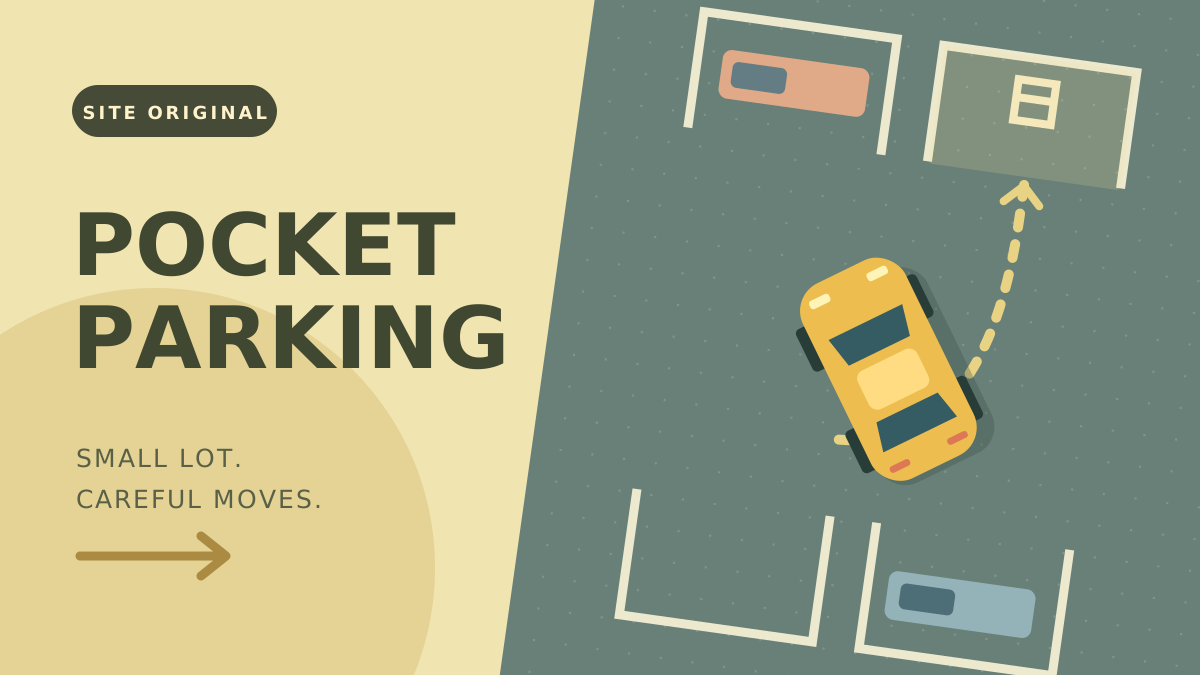
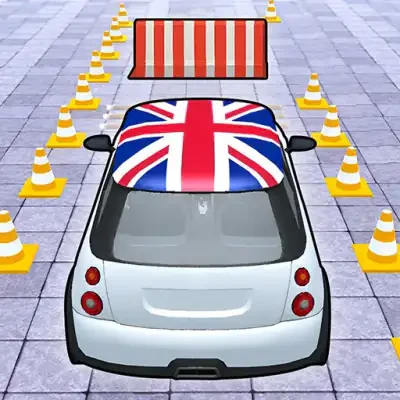
Pocket Parking is an original top-down driving puzzle with six parking challenges. Each level asks you to fit the car into a marked bay and match its direction. Simply driving across the space is not enough: settle the car in position to finish.
The game records time and collisions, so reaching the bay is the first goal and making a cleaner approach is the next. Progress can be saved in this browser when storage is available.
Line up before you turn in
Look at the bay’s direction and nearby obstacles before moving. Make room for your turn instead of aiming directly at the center from the wrong angle. Move slowly near the bay and use a short reverse when a forward turn will not fit.
Steering while reversing changes the path of the car. Try a small correction, release the controls, and inspect the result before making another. If you are almost aligned, a tiny forward or backward movement is usually easier to judge than another large turn.
Use two controls together
The game provides forward, reverse, and steering controls. Combine a movement input with a steering input to turn; use the keyboard or hold the on-screen buttons shown in the player. The vehicle must be aligned and stopped in the parking area for the level to complete.
Hold the car still and aligned in the bay for the parking indicator to fill. The game advances automatically after a successful park. Use Retry to practice the current layout, or Pause to take a break. Saved progress stays in this browser and may be unavailable when storage is blocked.
Practice stopping in Signal Sprint · Return to the game directory
Controls and quick steps
- 01Choose your first space
Select Play Now, then Start. Find the highlighted parking space in the game.
- 02Take small turns
Use the arrow keys or WASD to move and steer. Touchscreens have separate Forward, Reverse, Left, and Right buttons.
- 03Stop inside the space
Align the car with the parking space and come to a stop. Complete a level to move to the next challenge, or use Retry for another attempt.
Game by DriveMad.lol Originals ↗. This is an independent game and guide site. Cover artwork is an original illustration.